
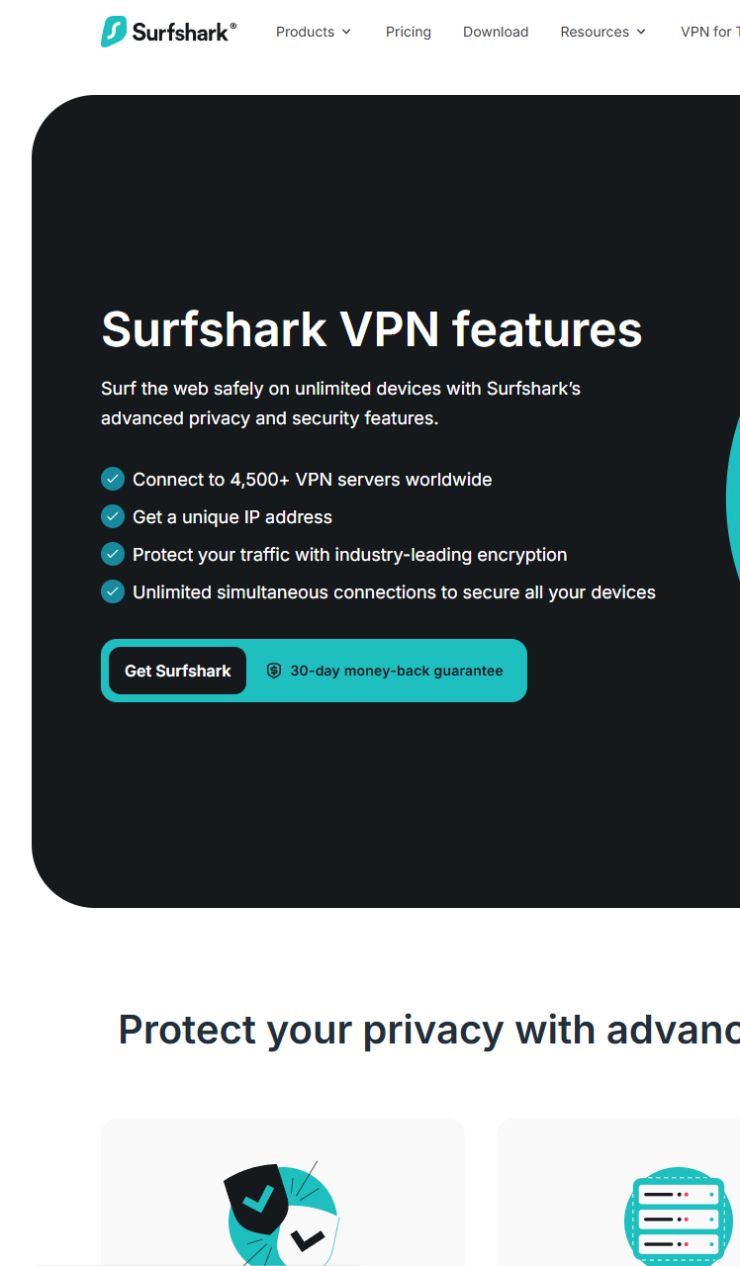
A feature list can make any VPN plan look more complete than it is. The better question is simple: which recurring problem would this feature remove for me? This checklist uses Surfshark’s public product pages reviewed on September 12, 2026. It does not treat feature names as guarantees, and it intentionally avoids time-sensitive price claims.
Three questions before you compare plans
- Do you need a separate online identity for sign-ups rather than exposing a primary email everywhere?
- Do web ads, pop-ups, or tracking elements make ordinary browsing harder?
- Does turning on a VPN break only one app or site that needs to use your normal connection?
If none of these is a real problem for you, more features may not make the plan a better fit.
Feature-by-feature decision table
| Feature | Check it when… | Do not expect it to… |
|---|---|---|
| Alternative ID | You want to reduce exposure of a primary online identity during sign-ups. | Replace account verification, password hygiene, or every privacy control. |
| CleanWeb | You want to reduce ads, pop-ups, or trackers during normal browsing. | Replace anti-malware software, judgment around suspicious links, or every site-level ad control. |
| Bypasser / split tunneling | A specific app or site should use the normal connection while the VPN remains on for other traffic. | Override a bank, employer, or platform’s access and security policies. |
What the public Starter page showed
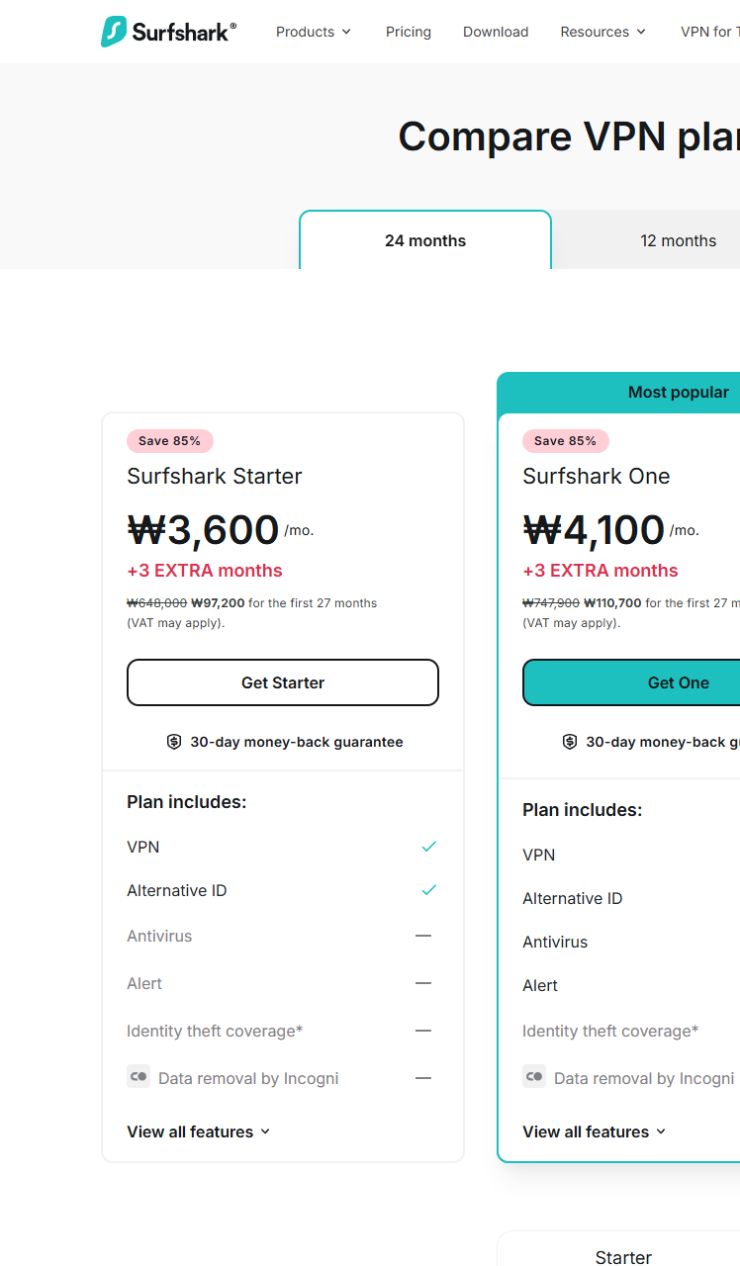
On the public 24-month selection screen reviewed that day, Starter was marked as including VPN and Alternative ID. Antivirus, Alert, identity-theft response, and Incogni data removal were marked as not included. That is a dated public-page observation, not a permanent plan promise; confirm the exact offer, country, platform support, and renewal terms at checkout.
A safer way to decide
- Open the official pricing page and check the current inclusion list.
- Open the feature page for the one problem you actually have.
- Confirm the feature is available on the device you use.
- For a bank, work, or account-sensitive app, follow the service’s security policy before creating a VPN exception.
Related reading
- Why an ad blocker and anti-malware protection are not interchangeable
- What a VPN cannot do after a suspicious link is opened
Official sources
Disclosure: this article contains no affiliate links. Always confirm current feature availability and pricing on the official pages.