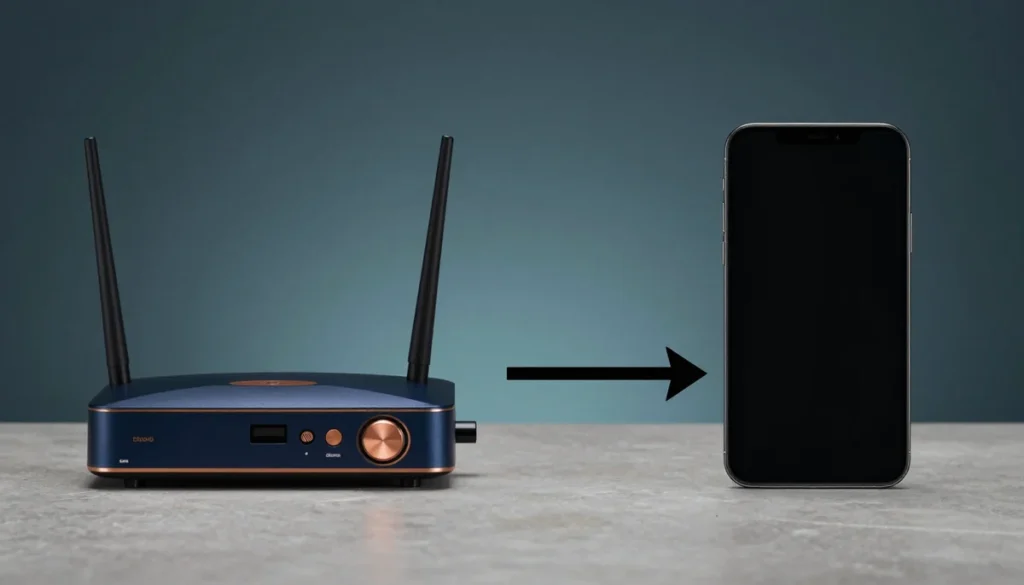
A polished VPN claim is not evidence. Start with the failure case, the exact environment, and what the tool cannot fix before trusting the recommendation.
Editorial rule: keep the original evidence boundaries. Do not turn untested speed, access, pricing, or support claims into facts.
Where this advice breaks down
- Results vary by route, device, and time.
- Pricing and features can change.
- A VPN does not solve account, endpoint, or legal problems.
How they differ
| App on each device | Router | |
|---|---|---|
| Coverage | Devices with a client | Everything on the network |
| Smart TVs, consoles | Often unsupported | Covered |
| Switching endpoints | Two taps | Router admin, affects all |
| Per-device control | Full | Limited or none |
| Device count limits | Counts per device | Usually counts as one |
| Setup effort | Low | Moderate to high |
| Speed | Device does the work | Router does the work |
| Mobile devices away from home | Still covered | Not covered |
Two rows deserve emphasis. Router hardware becomes the bottleneck, and phones lose coverage the moment they leave the house.
The hardware constraint
Encryption is computational work. On a laptop or phone, that work happens on a capable processor. On a router, it happens on a much smaller one.
Consumer routers frequently cannot sustain full line speed while encrypting. The result is a household-wide slowdown that is not the VPN provider’s doing.
Before committing, check whether your router supports VPN client mode at all, and whether the manufacturer publishes any throughput figures for it. Many models support the feature nominally while performing poorly.
When a router setup makes sense
- You have devices that cannot run a client — smart TVs, consoles, streaming boxes, IoT
- The device count exceeds your plan’s simultaneous connection limit
- You want one endpoint applied consistently without per-device management
- Your router hardware is capable, or you are willing to replace it
- You rarely need to change endpoints
When per-device apps make more sense
- You switch endpoints frequently
- Some traffic should not be tunnelled — local services, banking, work systems
- Your devices are mostly mobile and leave the house
- Your router is modest and you would rather not replace it
- You want to keep gaming or streaming devices outside the tunnel for latency reasons
The split approach
Many households end up here, and it is often the practical answer.
- Router — covers TVs, consoles, and devices that cannot run a client
- Apps — on phones and laptops, so coverage follows them out the door
Some routers support a second network specifically for tunnelled devices, which lets you decide per device by simply choosing which network to join. Where supported, this is cleaner than either extreme.
Things that surprise people
- Local devices may become unreachable. Printers, network storage, and casting can break when traffic is routed out through a tunnel.
- Some services react to the shared endpoint. Banking and work systems sometimes trigger additional verification.
- Troubleshooting gets harder. When something fails, you have to determine whether it is the router, the tunnel, or the device.
- NAT behaviour changes. Peer-to-peer features can degrade — see server region, NAT, and DNS.
- Firmware matters. Some setups require third-party firmware, which carries its own risk.
Before you set it up
- ☐ Confirmed the router supports VPN client mode
- ☐ Checked whether the provider publishes router configuration guidance
- ☐ Measured baseline speed before any changes
- ☐ Identified devices that should stay outside the tunnel
- ☐ Confirmed local devices will still be reachable
- ☐ Noted how to disable it quickly if something breaks
- ☐ Decided whether phones will also keep a client installed
The third item is the one people skip. Without a baseline, you cannot tell whether the router became a bottleneck. The method is in how to test speed, latency, and jitter.
FAQ
Will a router setup slow down my whole house?
It can, depending on the router’s processing capacity. Measure before and after — that is the only way to know for your hardware.
Does it count as one device on my plan?
Usually, since the provider sees a single connection. Check the specific terms, as policies differ.
Can I exclude one device?
Only if your router supports it, and support is inconsistent. A second network for tunnelled devices is the more reliable approach where available.
What about my phone when I leave home?
Router coverage ends at the front door. Keep a client installed for anything mobile.
Is it worth replacing a router for this?
Only if you have several devices that cannot run clients. Otherwise per-device apps achieve the same coverage for less money and less complexity.
Will streaming devices work?
Technically the traffic is covered. Whether a given service permits that configuration is a separate question governed by its terms — check them directly.
Closing
Router setups solve one problem well: devices that cannot run a client. They introduce a hardware bottleneck and remove per-device control.
For most households the split approach works best — router for fixed devices, apps for anything that travels. Measure your baseline first, then decide.
Router capabilities, firmware options, and provider support vary. Consult your router manufacturer’s and VPN provider’s official documentation. VPN use is subject to local law and to the terms of service of the platforms you use.
Our practical read
Router VPNs cover devices that cannot run a VPN app, but the router’s CPU, firmware, and protocol support can limit speed and control. App VPNs are easier to switch, exclude, and carry outside the home. Verify that the exact router model has an official setup path before buying a subscription for this use.
Primary sources checked Aug. 16, 2026
Who should not use this approach
- Anyone unwilling to verify the conditions
- Users demanding guaranteed outcomes
- People who treat marketing copy as test data
When this approach actually helps
- Readers who compare a controlled baseline
- Users who check current official terms
- People who understand the trade-off they are buying